
SnagBook
The fastest way to document property defects on-site. Photograph, annotate, and generate professional PDF reports - all from your phone.
● Android
● iOS
The fastest way to document property defects on-site. Photograph, annotate, and generate professional PDF reports - all from your phone.
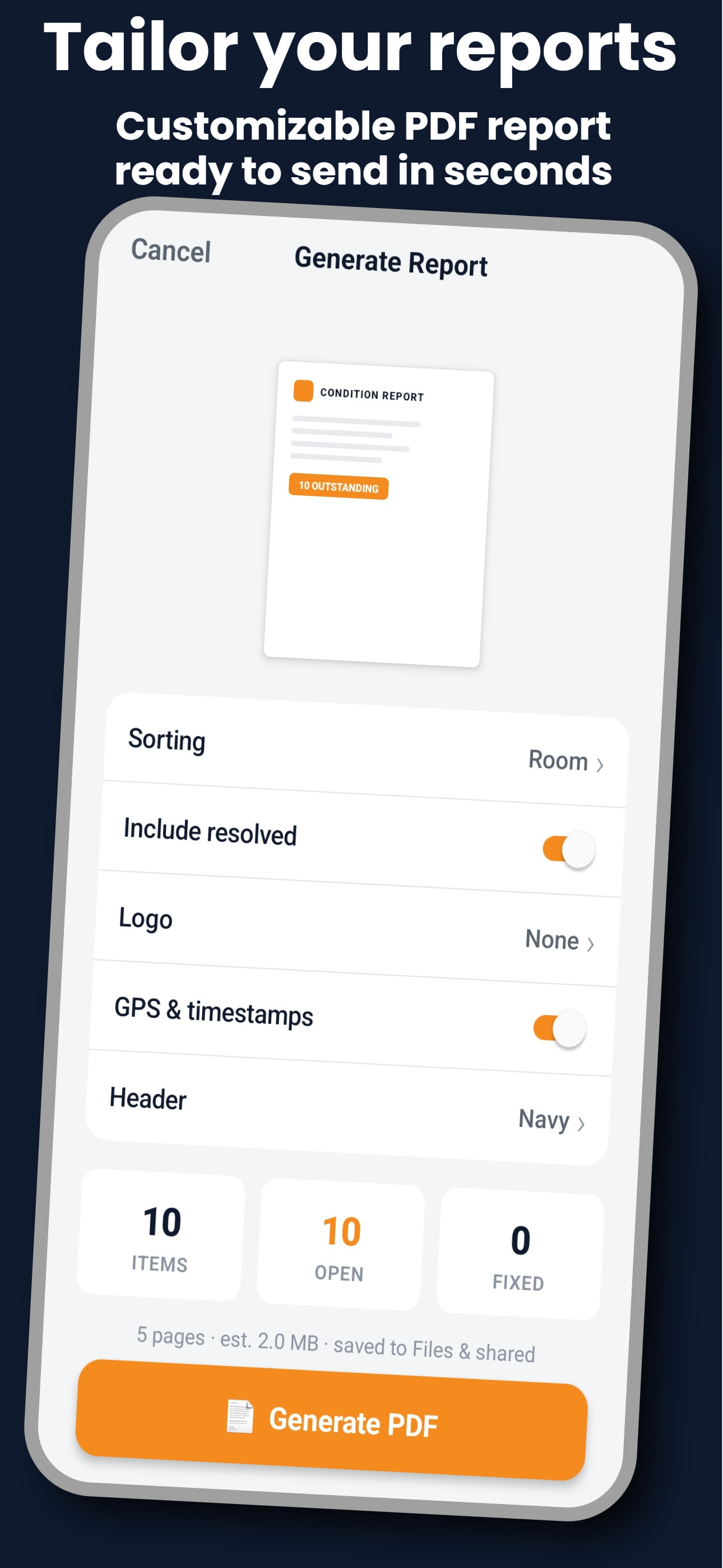
SnagBook generates industry-standard A4 PDF reports that you can send to clients, attach to emails, or print. Each report includes a cover page, detailed item pages with photos, and a summary table.
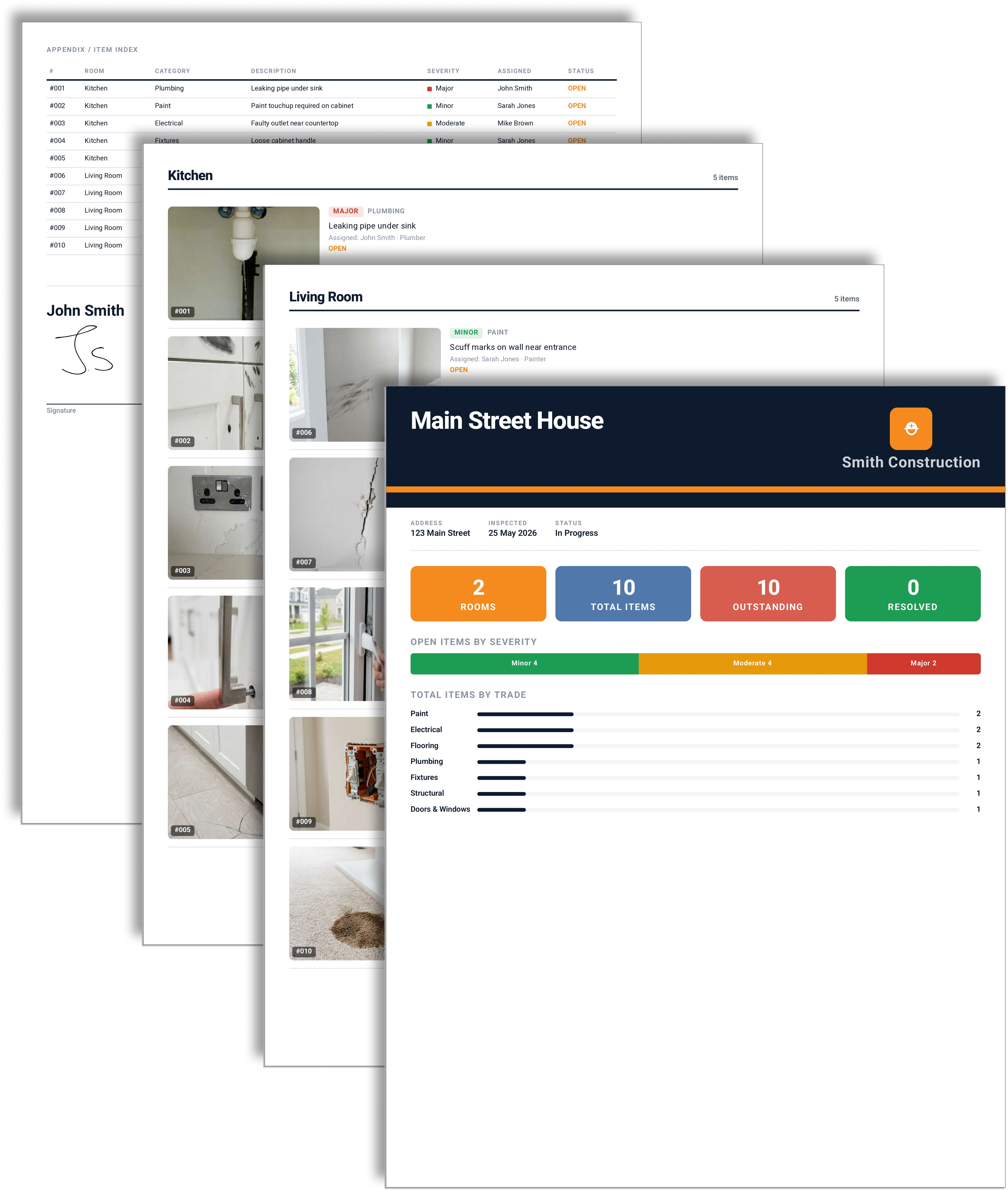
From camera to report in minutes, not hours.
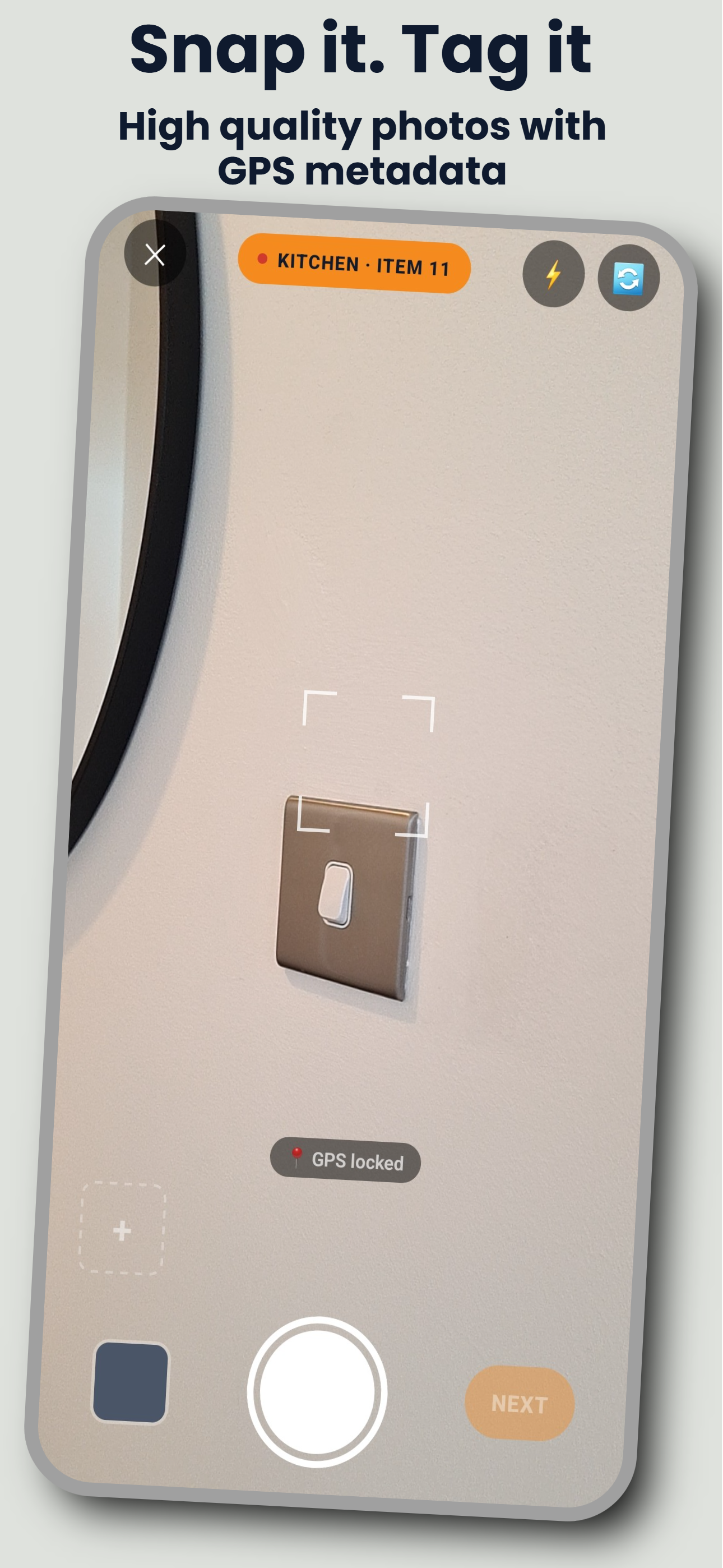
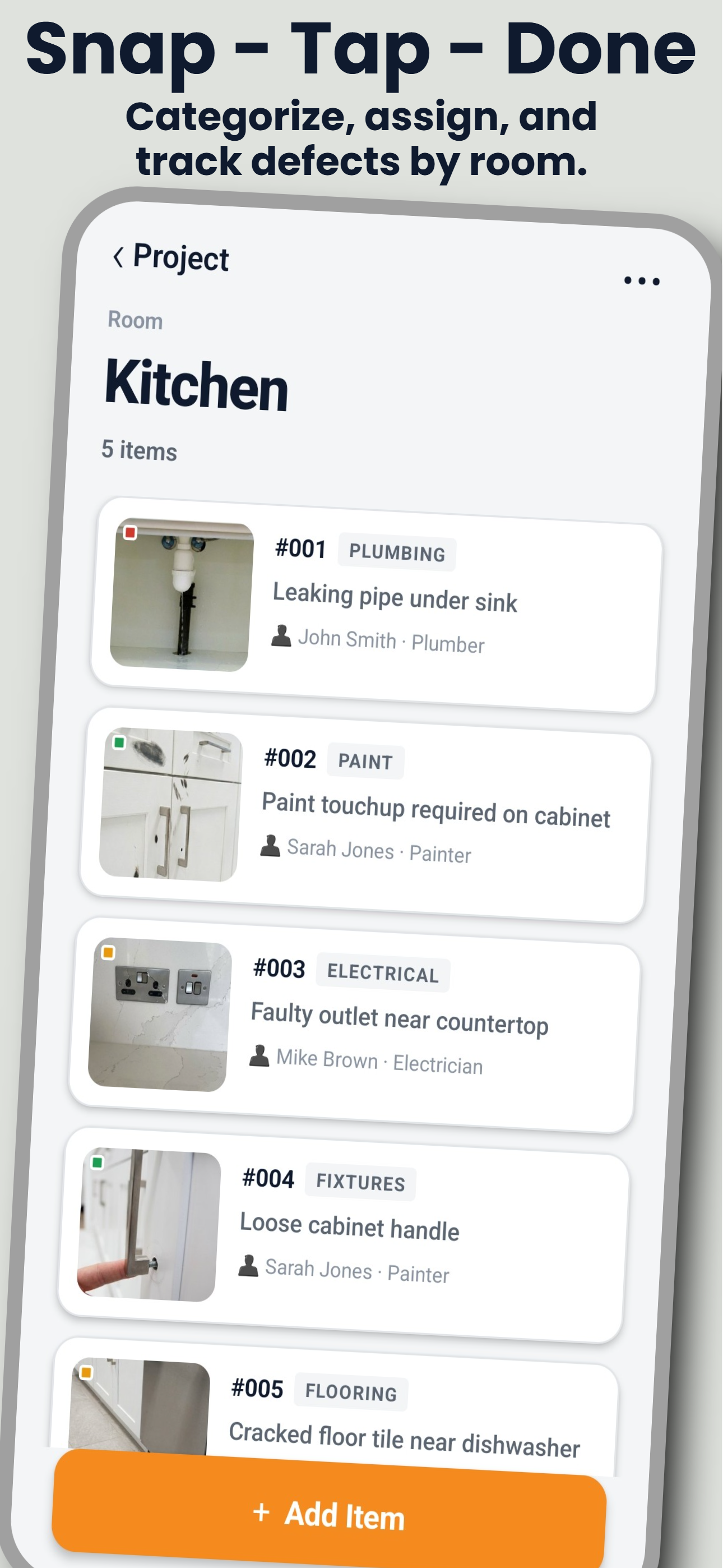
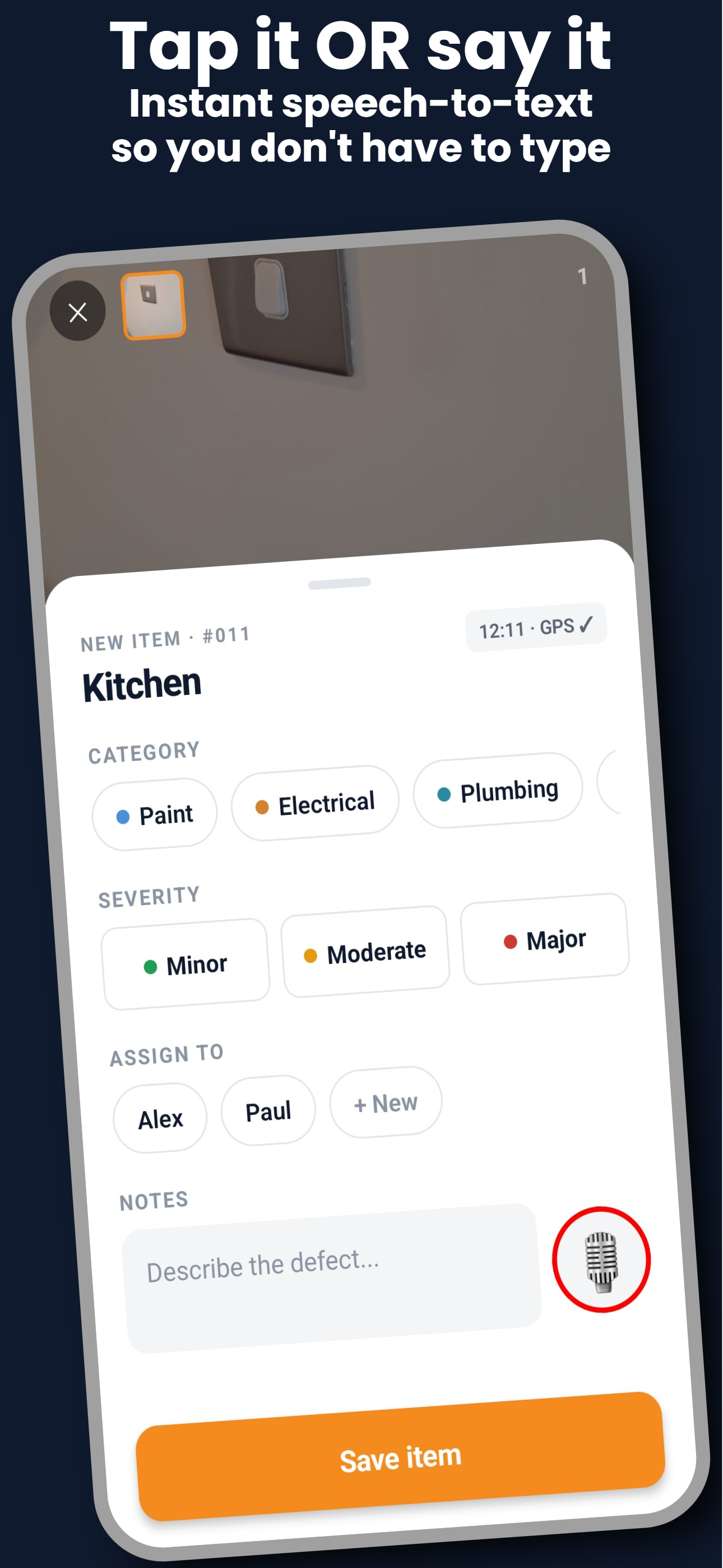
Four steps from site visit to professional report. No training needed.
Move through the property room by room. Snap photos of defects with automatic GPS tagging.
Categorise each issue by trade and severity. Add notes with voice-to-text or type them in.
Tap one button to produce a professional PDF with photos, timestamps, and a full summary table.
Send the report via email, WhatsApp, AirDrop, or save to your files. Ready for clients instantly.
Every feature is designed to make property inspections faster and more professional.
Capture up to 4 photos per defect. Each photo is automatically tagged with GPS coordinates and a timestamp.
Dictate notes hands-free using speech-to-text. Faster than typing on-site, especially with gloves on.
Group items by room with drag-to-reorder. Quick-add common rooms like Kitchen, Bathroom, and Bedroom with one tap.
Generate branded A4 reports with cover pages, photo evidence, severity colour coding, and summary tables.
No internet required, ever. All data stays on your device. No accounts, no cloud, no subscriptions to forget.
Add follow-up photos after repairs. Show clients the before and after side by side in the final report.
SnagBook is built for anyone who works on properties and needs to document defects.
Create punch lists and snag lists for handover. Assign defects to trades and track what still needs fixing before sign-off.
Electricians, plumbers, painters - document the issues you find and the work you complete with photo evidence and timestamps.
Manage snagging across multiple builds. Generate professional reports for each unit and keep clients in the loop.
Tackling a renovation project? Track every defect room by room and keep a clear record of what needs attention.
SnagBook is built offline-first. No accounts, no cloud uploads, no analytics. Your inspection data never leaves your phone.
Start free. Upgrade when you need more.
Need a hand? Reach out or check the common questions below.
Questions, feedback, or a problem with the app? Email us and we'll get back to you.
snagbook@keystone-software-technologies.comAvailable on Android and iOS. Start documenting defects in minutes.